On this page6 sections
1. Why Spam & Leaks Are Surging in 2026
In 2026, automated scrapers, generative AI marketing bots, and frequent commercial data breaches have made unsolicited spam an inescapable reality for anyone using a single primary email address. Every time you register on an eCommerce store, submit an online quote form, or download a promotional PDF, your email address is logged into CRM databases that are frequently shared with third-party tracking consortiums.
Once your email address ends up on a commercial lead list, spam filters can only do so much. The modern solution is not stronger spam filtering—it is identity segmentation.
2. The 3-Tier Digital Identity Strategy
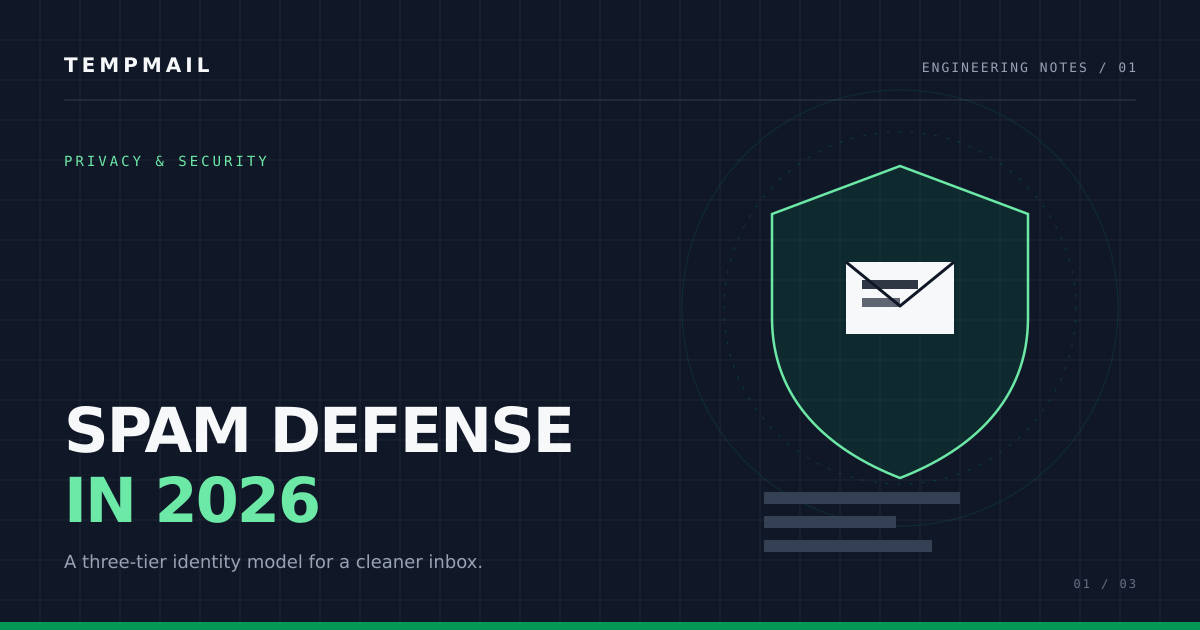
Security professionals maintain strict operational hygiene by segmenting communications into three distinct tiers:
- Tier 1 — Sacred Anchor (Primary Inbox): Reserved solely for banks, tax authorities, healthcare, and trusted immediate family. This address is never entered into public web forms.
- Tier 2 — Commercial Accounts: Used for regular subscriptions like Netflix, Amazon, and SaaS products you pay for monthly.
- Tier 3 — Ephemeral Disposable Mail (Tempmail): Used for one-time verification codes, software free trials, forum registrations, and public downloads. These addresses self-destruct within 10 minutes, leaving zero trace in commercial databases.
3. How Data Brokers Harvest Your Details
Data enrichment vendors aggregate public tracking pixels, device fingerprints, and cross-site cookies. When you submit your real email address on a seemingly harmless blog or trial offer, enrichment engines cross-reference that address against leaked credential dumps, linking your full name, location, and phone number in seconds.
Using a disposable email address breaks this tracking graph because ephemeral inboxes have no history, no linked identity, and auto-purge all incoming messages after 10 minutes.
4. Disposable Inboxes vs. Persistent Burners
While persistent secondary accounts (like a secondary Gmail or Outlook inbox) eventually accumulate thousands of unread promotional newsletters, disposable temporary inboxes eliminate maintenance entirely. You generate an address on demand, receive your authentication token or download link, and the inbox vanishes automatically.
5. 10-Step Anti-Spam Defense Checklist
- Never input your primary email address for software trials or gated whitepapers.
- Always generate an ephemeral disposable inbox using Tempmail for untrusted web forms.
- Use hardware security keys (FIDO2 / WebAuthn) for critical Tier 1 accounts.
- Opt out of commercial data broker registries using automated removal services.
- Disable automatic image loading in your desktop email clients to block tracking pixels.
- Use custom subaddressing tags to audit which vendors leak your data.
- Regularly review and revoke OAuth app permissions on Google and Apple accounts.
- Never click “Unsubscribe” links on unsolicited spam emails; report them as spam instead.
- Store passwords in an encrypted password manager rather than browser autofill.
- Inspect incoming message headers and SpamAssassin scores before clicking unknown links.
6. Frequently Asked Questions
Does using disposable email stop spam on my existing primary inbox?
It stops future spam from proliferating. Once your primary address has been leaked, you will need to apply aggressive spam filters, but using disposable email prevents new services from ever discovering your personal inbox.
Can companies detect that I am using a temporary email address?
While some legacy forms check generic blocklists, Tempmail regularly updates its domain namespaces to ensure reliable delivery for software testing and legitimate user privacy.
About the author
Cybersecurity & Ephemeral Systems Team
The Tempmail security research team tests disposable inbox delivery, spam filtering, and data-retention behavior, and publishes reproducible privacy guides.
Tempmail is the product this team builds. Our editorial policy covers sourcing, testing, corrections, and how we disclose that relationship.
Sources & further reading
Try it without signing up
The address on the home page is ready in a second. Copy it, use it anywhere, and read the reply here — no account, no ads.